Export & ownership
Everything leaves in open formats.
Scripts export as Fountain, which Final Draft, Fade In, Highland and WriterSolo open directly. Print any draft to PDF. The bible exports as Markdown, the outline and notes as CSV, and the whole project as a JSON file that reopens in ScripTao on any device.
What it does
- .fountain per draft, and PDF via print
- Series bible (Markdown), outline (CSV), notes (CSV)
- Whole project (JSON): a complete backup you can import again
- Imported originals, exactly as you brought them in
How to use it
- Export → pick what you need
Step by step
Screenshots of the app, on the sample series. Click one to see it full size.
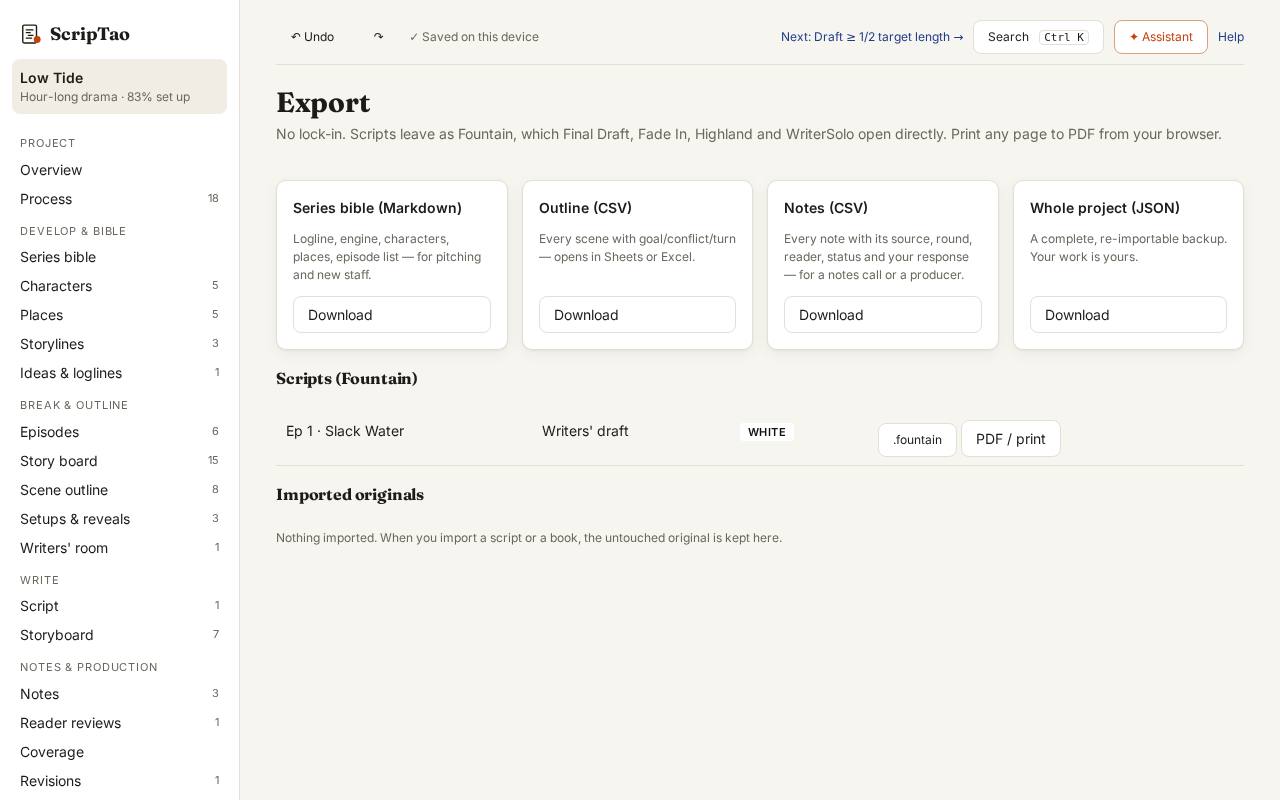
Export: pick what you need: the Series bible (Markdown), the outline and notes (CSV), each script (Fountain or PDF), or the whole project (JSON). Imported originals are kept at the bottom.