Import & adapt
Bring a script, a play or a book.
Paste or upload a Fountain script, a stage play or a public-domain novel. The analysis runs in your browser and finds scenes, cast, places, who shares scenes with whom, and act breaks. The original is kept word for word, and anything that couldn't be placed is listed.
What it does
- Screenplays: Fountain or plain screenplay text (Final Draft → File → Export → Fountain)
- Stage plays: character-cue layout becomes screenplay format
- Books: chapters become episodes and source beats, recurring names become characters
- The original text is kept, and anything unplaced is reported
- Runs locally, with no AI and nothing uploaded
How to use it
- Import → choose script, play or book
- Paste or upload, check the diagnostics
- Create the project
Step by step
Screenshots of the app, on the sample series. Click one to see it full size.
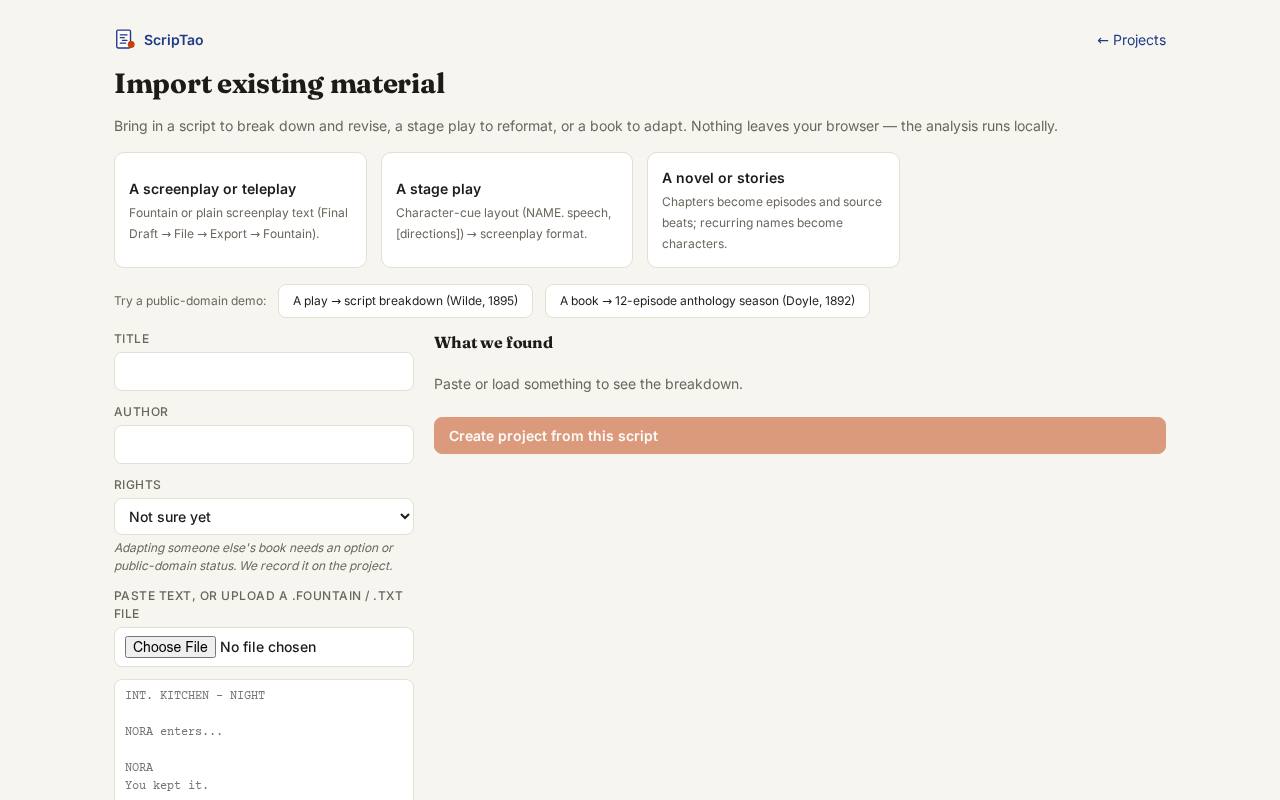
Import: choose what you're bringing in, a script, a play or a book. 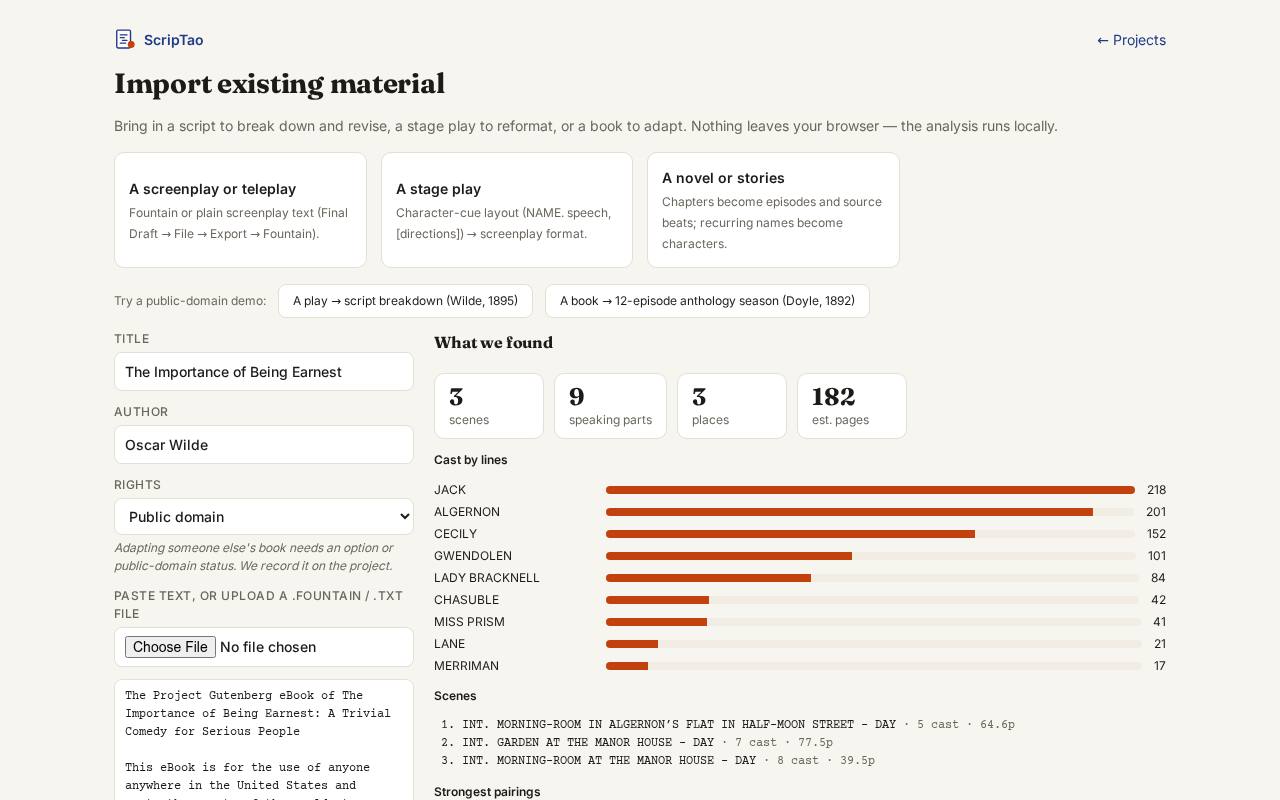
Paste or upload the text (or try a public-domain demo). The preview and diagnostics show what was recognised before anything is created. 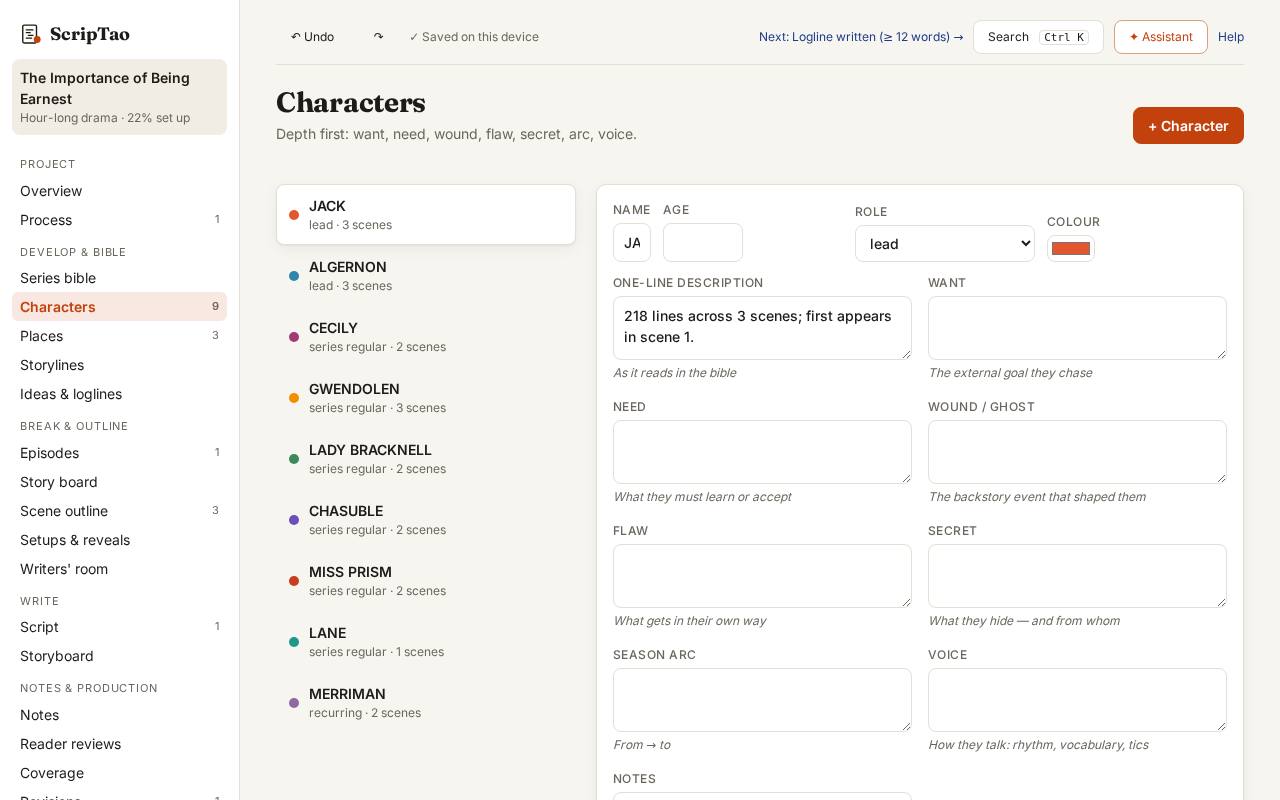
Create the project: characters, scenes and the script are filled in, and the original file is kept under Export.