Writers' room sessions
One question on the table. Leave with decisions.
Run a session around one question. Capture decisions, pitches, parked ideas, open questions and assignments as they happen, then send decisions straight to the board as beats.
What it does
- A session has a question, a date, who was in the room and an episode (or the season)
- Items are decisions, pitches, parked ideas, open questions or assignments with an owner
- Parked ideas and open assignments are collected across every session
- Send a decision to the board as a beat
How to use it
- Writers' room → Start a session
- Add items as the room talks
- Send decisions to the board
Step by step
Screenshots of the app, on the sample series. Click one to see it full size.
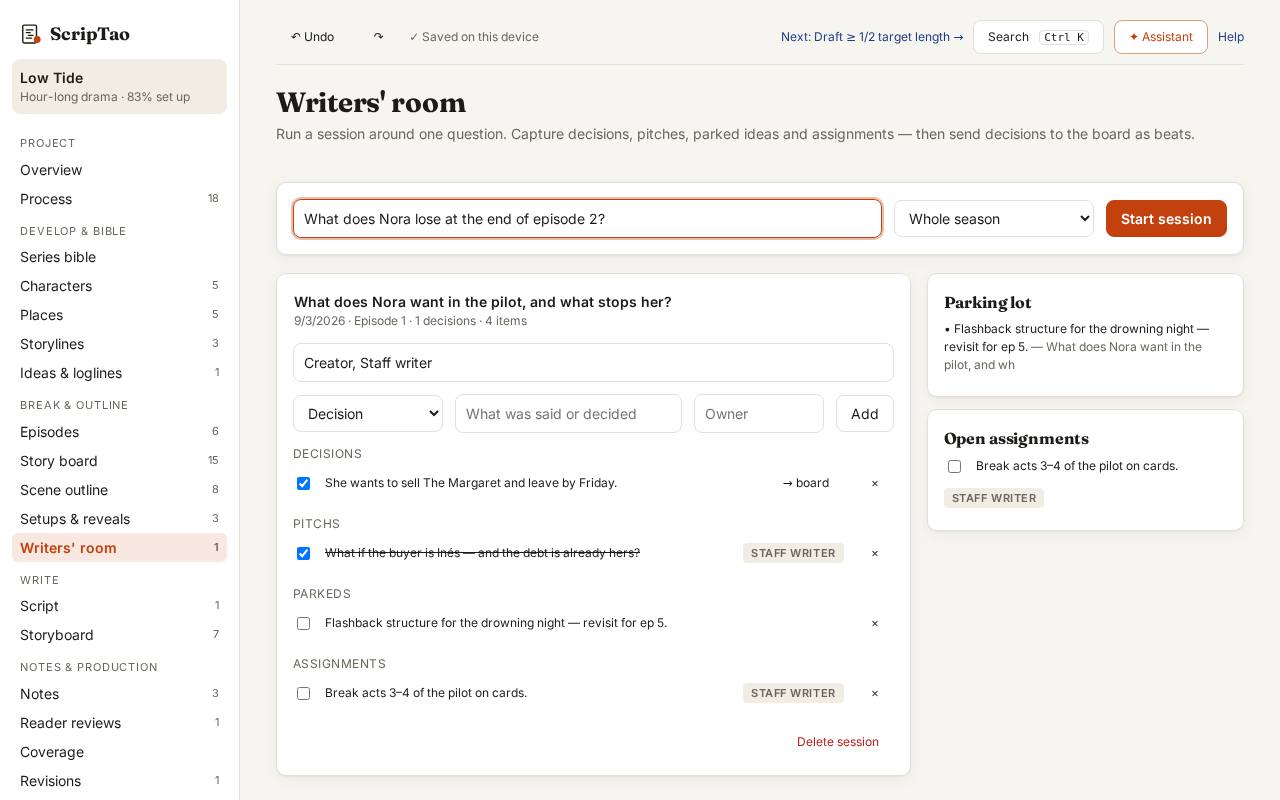
Writers' room: write the question the room is working on, then Start a session. 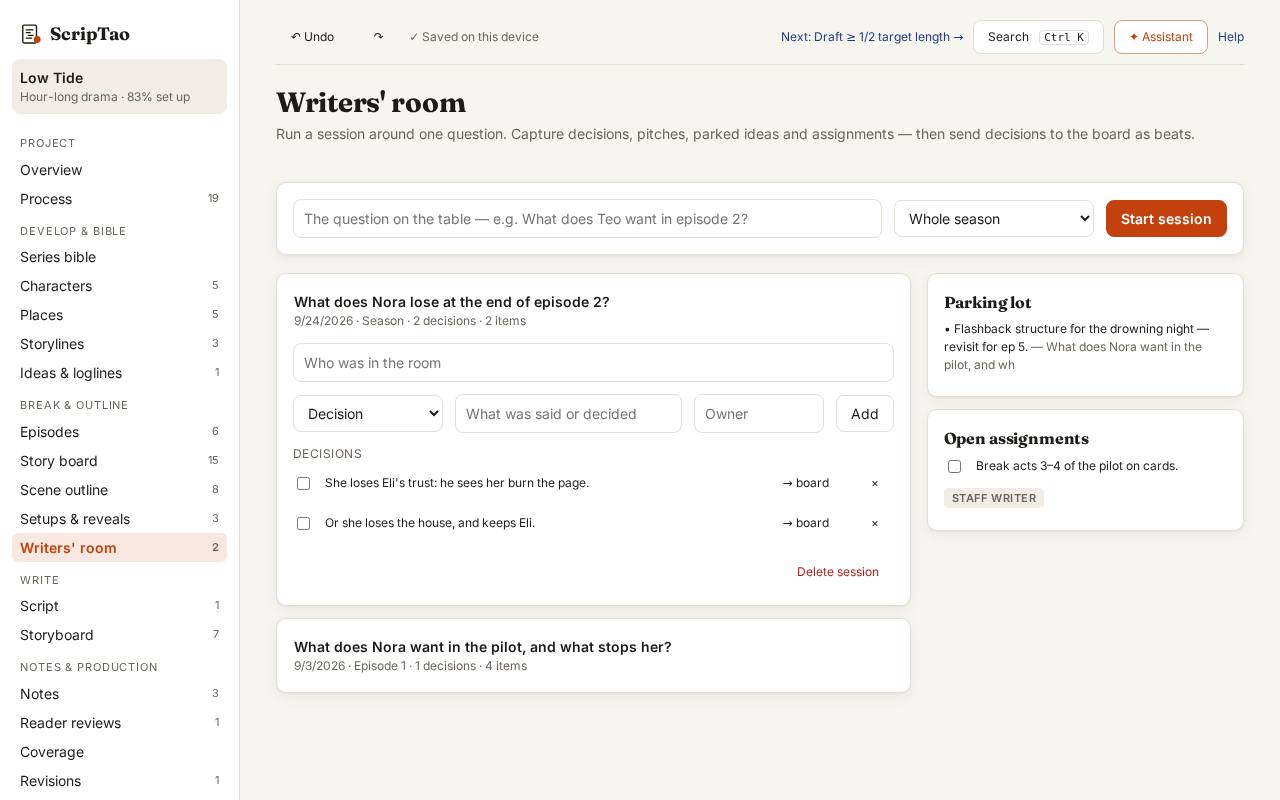
Add items as the room talks: pitches, questions, decisions, assignments. 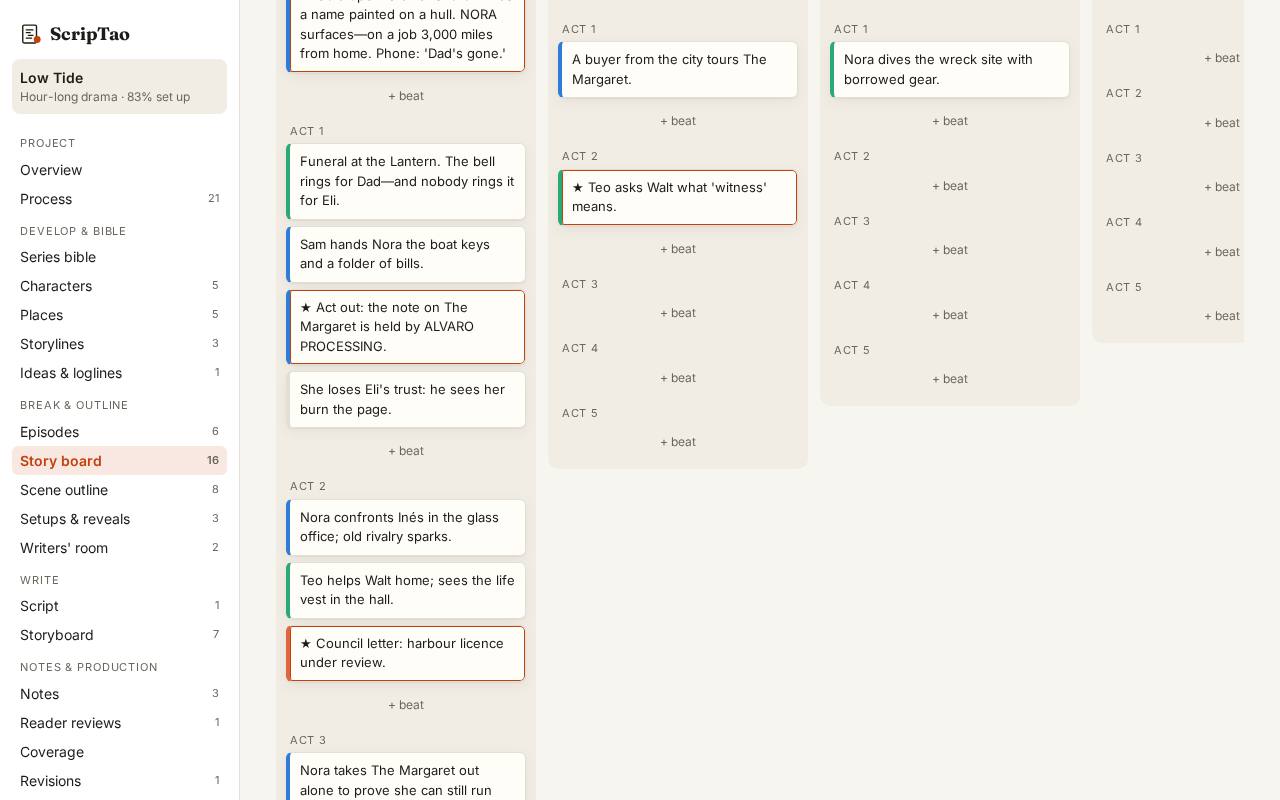
→ board sends a decision to the story board as a beat, ready to place; the session keeps the record of how the room got there.
What it doesn't do yet
- Several people editing the same room from different computers at once. Today one person runs the session.