Places & sets
Standing sets, swing sets and locations.
Places are real records, not text in a heading. Scenes point at them, so the breakdown and reports can tell you which sets carry the season and which appear once.
What it does
- Each place has a kind (standing set, swing set, location), INT/EXT, a description and a mood
- Scenes link to places, so renaming a place renames it everywhere
- Breakdown and Reports count scenes per set
How to use it
- Places → add a place
- Pick it in a scene's Place field on the outline
Step by step
Screenshots of the app, on the sample series. Click one to see it full size.
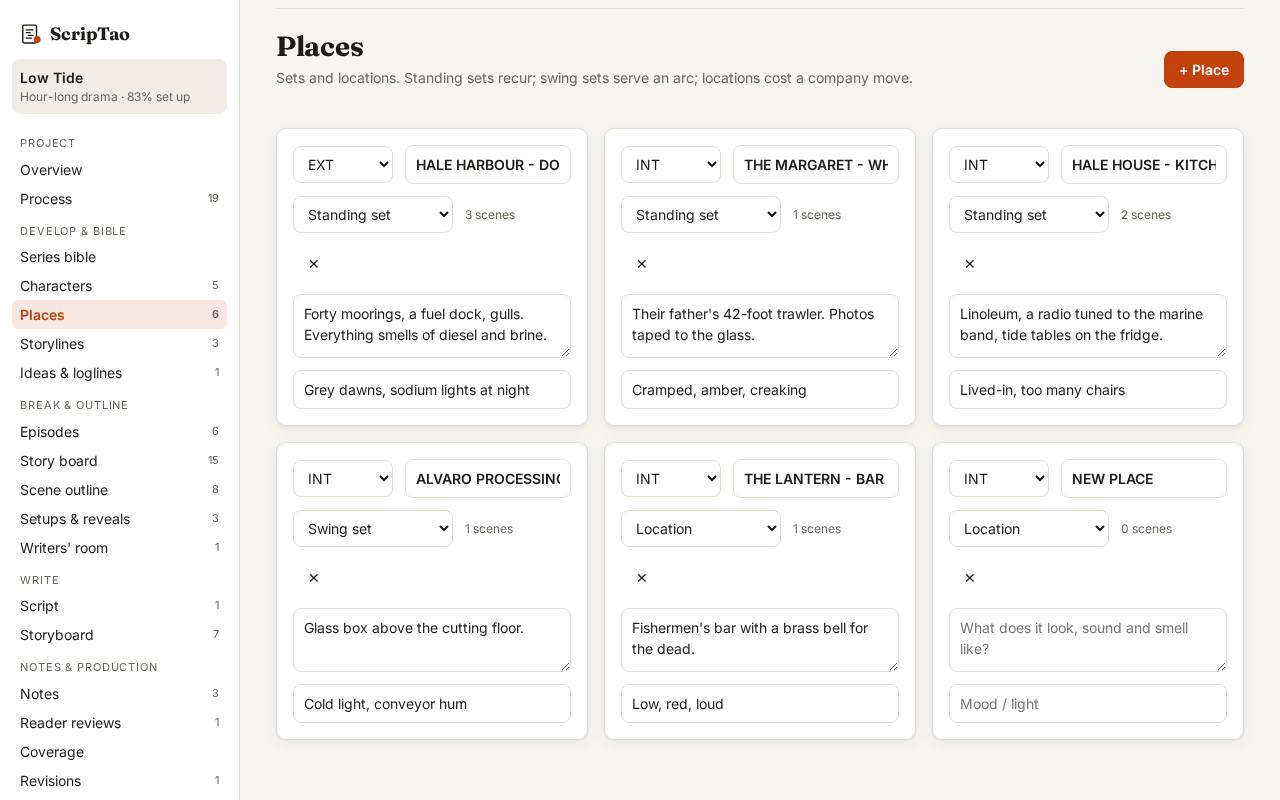
Places → add a place: interior or exterior, a description, and the scenes that use it are counted for you. 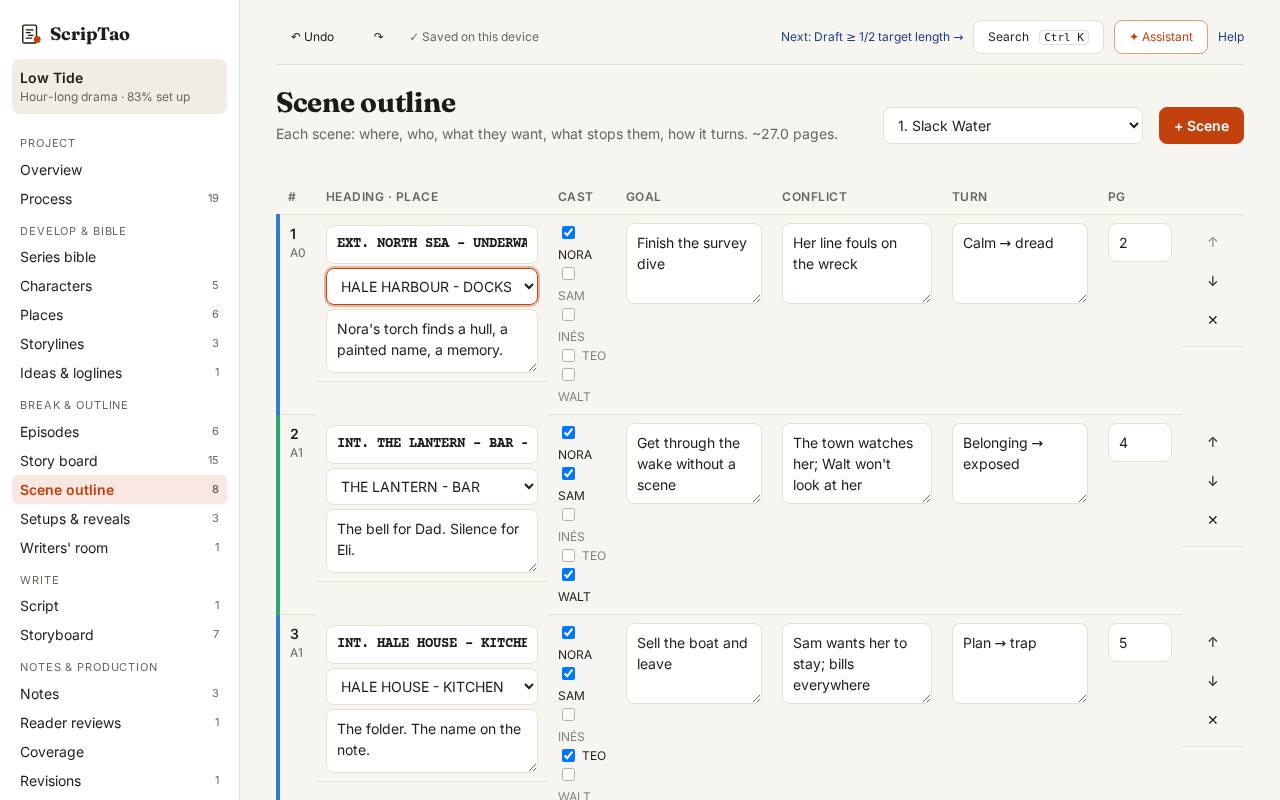
On the scene outline, pick the place in a scene's Place field; the scene heading (INT./EXT. PLACE - DAY) is written for you.